

Step 1
Free UX review
$0
A 30-minute session on one workflow. You show us how the task is done today, and we send back a written summary of what we’d change.
- One workflow, start to finish
- A written summary you can share
- No slides, no obligation


Pricing
We publish where our work starts and what it costs, so you can tell in a minute whether fixing a slow screen fits this year’s budget.
Where our work starts
US dollars. Builds are fixed price once the scope is written down.
For context: US Business Central partners commonly bill $150–$225 an hour for development, and some publish $295 an hour. Sources: TopDynamicsPartners 2026 partner pricing guide; Innovia Consulting’s published rate card.
Ways to start
Every build starts with a discovery workshop ($1,500, credited in full against the build).
Step 1
$0
A 30-minute session on one workflow. You show us how the task is done today, and we send back a written summary of what we’d change.
Step 2
$1,500
Half a day with the people who do the work. You leave with a written scope and a fixed quote for the build.
Build
from $6,500
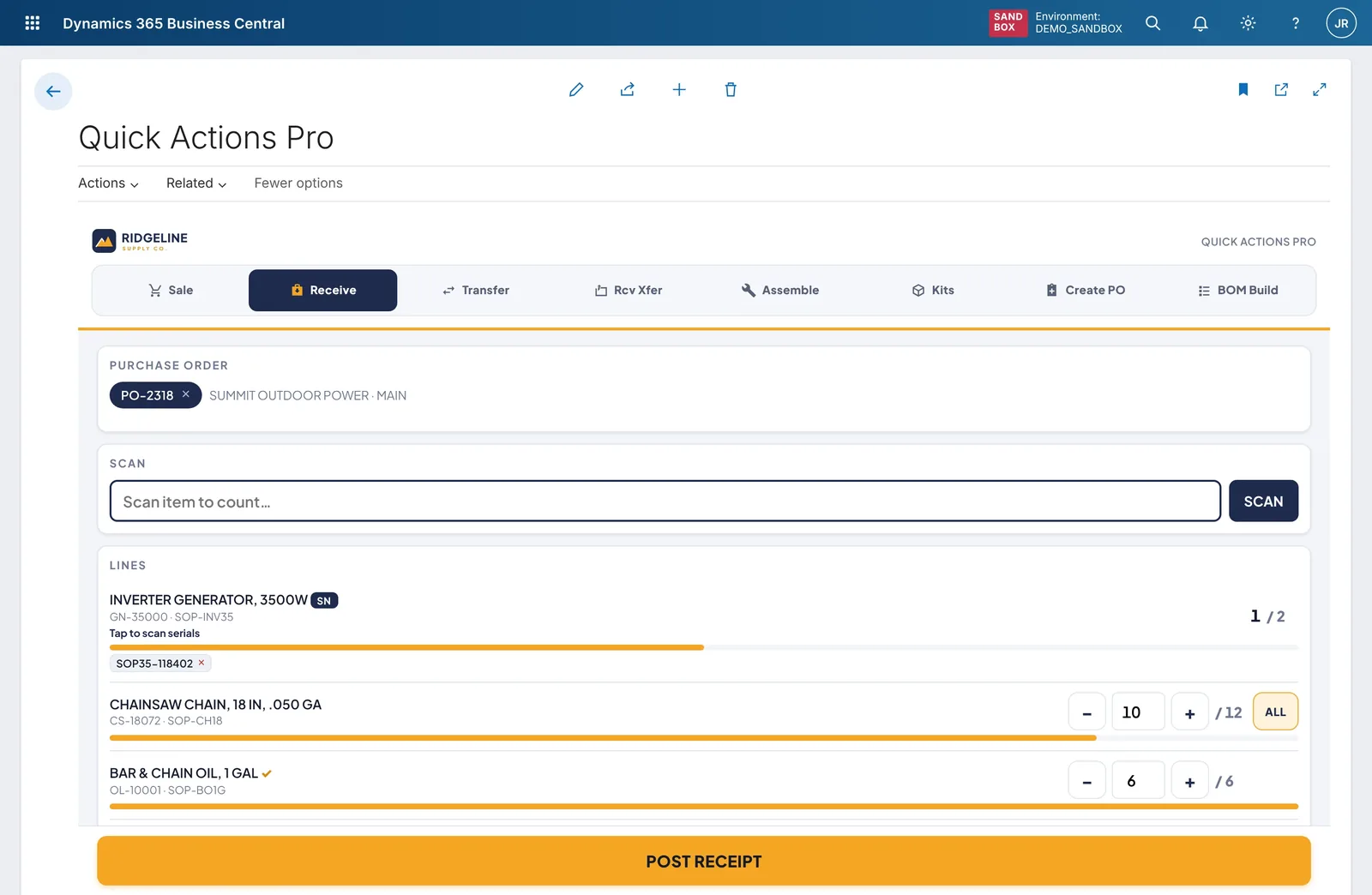
One workflow rebuilt as a control add-in, which is a custom screen that runs inside Business Central itself. Fixed price.
Build
from $18,000
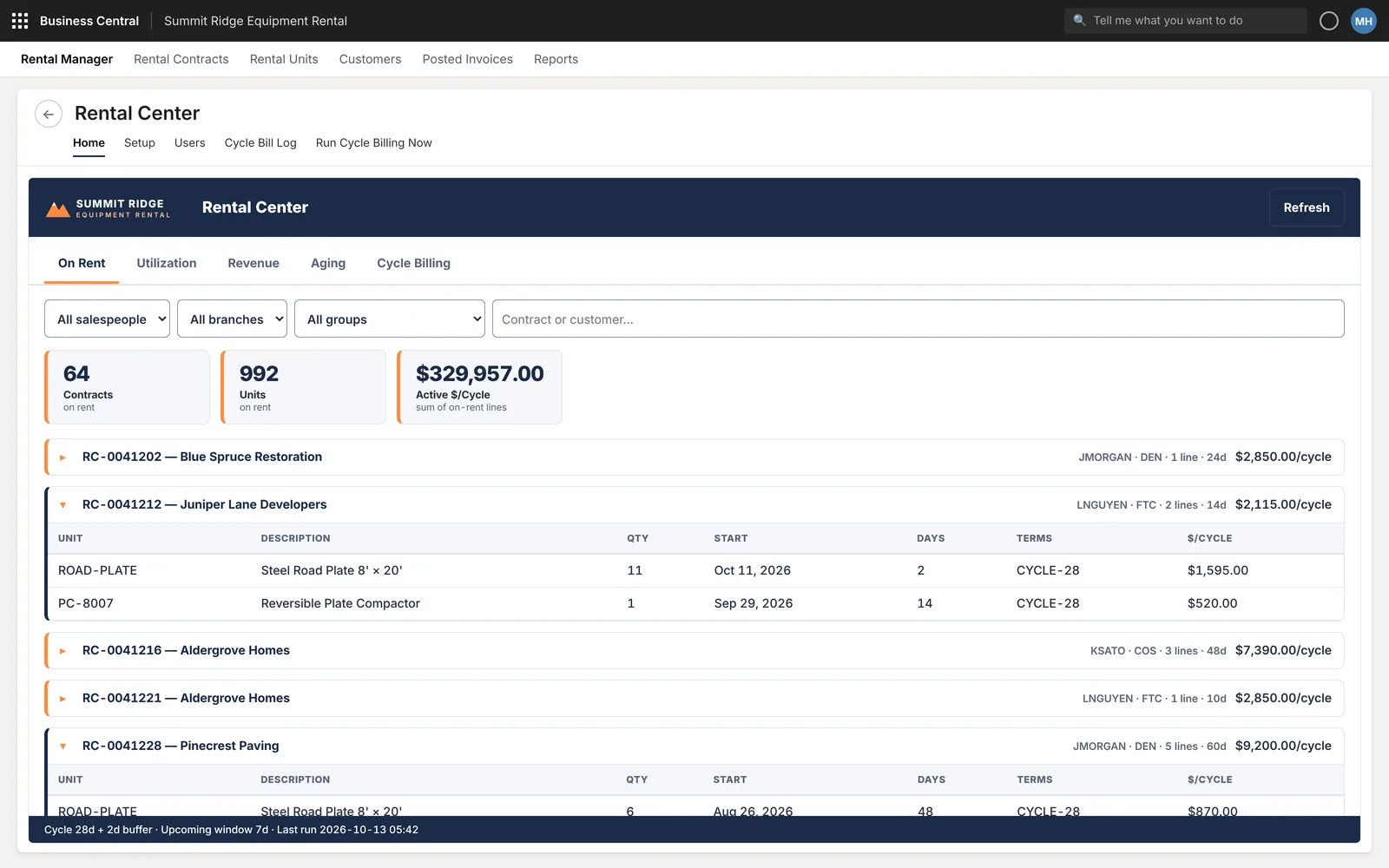
Several screens around one role or department, scoped and quoted after the discovery workshop.
Prices in US dollars. A build is quoted as a fixed price once the scope is written down.
After launch
Microsoft updates Business Central twice a year in “release waves”. A support plan means we test your extensions against each one, and a compatible version is ready before your grace period starts.
$450/month
Keeps what we built working through every release wave: update testing, monitoring, fixes and 2 hours a month of changes. 3-business-day response.
$1,100/month
Everything in Keep, with 6 hours a month of changes, a 1-business-day response and a quarterly UX review.
$2,400/month
Everything in Care, with 15 hours a month of changes, same-business-day response for critical issues and a named developer.
Compare support plans in detail
Hourly
$165/hour
For work outside a fixed quote or a support plan: a one-off report change, an urgent fix, an extra field on a screen we built.
Products
middlecut / receive · transfer · pos · service
Ready-made task apps for receiving, transfers, counter sales and field service. They’re in early access, with pricing on request.
See the productsWhat drives cost
A receiving screen with one scan field costs less than a quote builder with pricing rules.
Serial and lot tracking, approvals and multi-location stock all add cases we have to build and test.
Scanners, label printers, scales or an outside web service each need their own integration work.
Other extensions, or customizations carried over from Dynamics NAV, can change how a screen has to fit in.
Pricing questions
Builds are fixed price. Once the scope is written down, the quote doesn’t move unless the scope does.
Hourly, at $165, is for work that can’t sensibly be scoped up front, such as a small change outside a support plan or an urgent fix.
We write a short change note: what changes, what it costs and how it affects the timeline. Nothing extra is built or billed until you approve it.
Payment terms are written into each quote. If you need them earlier for budgeting, ask and we’ll send them before the workshop.
You keep the written scope either way, and you can take it to any developer. If you do go ahead with us, the full $1,500 comes off the build.
No. You own the code and can maintain it yourself or with anyone. Without a plan, we fix update issues in work we built at the hourly rate.
Every build also comes with a warranty period after go-live, stated in your quote.
Typically a few weeks from the discovery workshop to go-live; your quote gives the date.
No per-user license from us. A custom build runs inside the Business Central licenses you already pay for, with the same permissions and data.
For comparison: 25 users on Power Apps Premium at $22 per user per month is $6,600 a year, every year. That is our arithmetic from Microsoft’s list price for terms starting on or after January 1, 2027, which we cite on our control add-in comparison.
Free Business Central UX review
In 30 minutes we count the steps your team takes today and sketch the same task as one screen, on desktop and phone. You keep the written summary. No slides, no obligation.